In this guide
Load boards are online marketplaces where freight brokers and shippers post available loads and carriers or their dispatchers search for freight. DAT and Truckstop are two of the most widely used load boards in North America, and most new dispatchers learn on one or both. This guide explains how load boards work, how DAT and Truckstop compare, the search skills you need, and how to avoid risky postings.
Key takeaways
- Load boards list loads posted by brokers and shippers, plus tools for rate data, broker credit information and search alerts.
- DAT and Truckstop are both major load boards with different plan levels. Many dispatchers use both to see more freight.
- The subscription usually belongs to the carrier. Follow each provider's terms on who may use the account.
- Every posting still needs checking: verify the broker, confirm details by phone and watch for fraud warning signs.
What Is a Load Board?
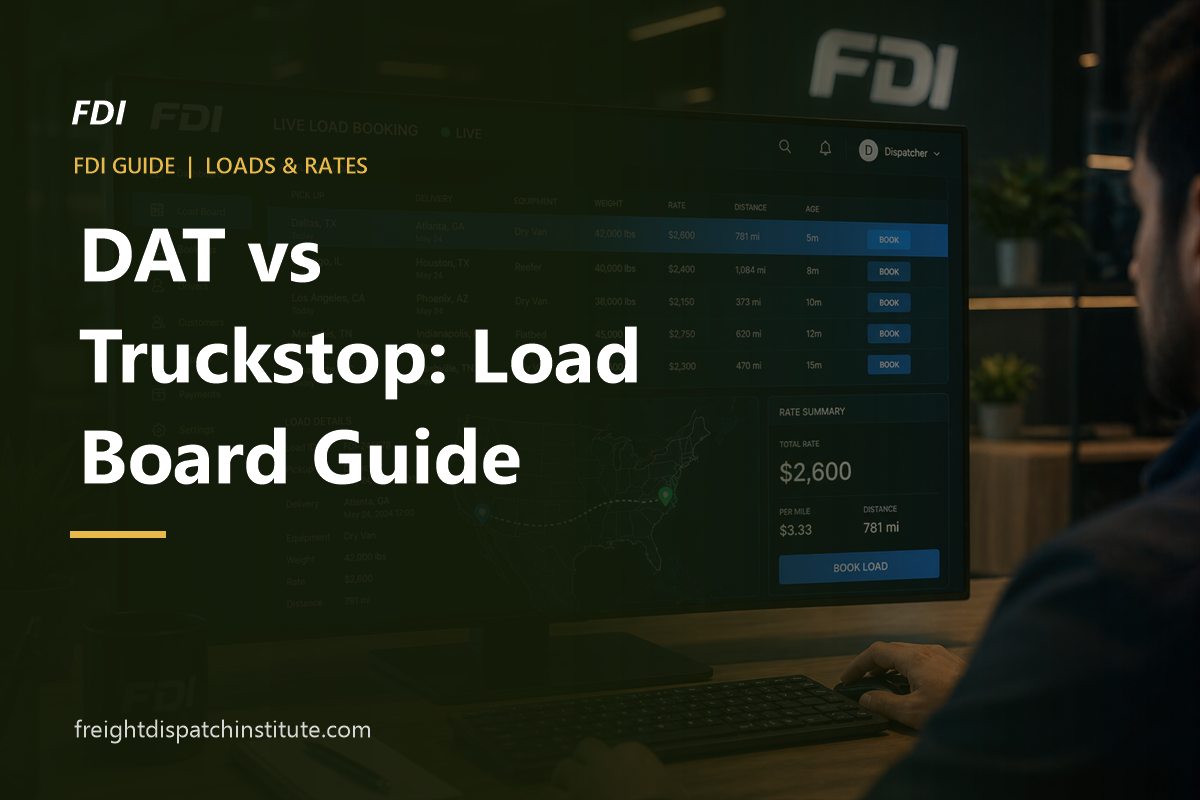
A load board is a database of available freight. Brokers post loads with details such as origin, destination, pickup date, equipment type, weight and sometimes a rate. Carriers and dispatchers filter these listings to find loads that match a truck's location and equipment, then contact the broker to negotiate and book.
Carriers can also post their available trucks, so brokers with freight in that area can call them. Beyond listings, modern load boards include tools for checking recent lane rates, reviewing a broker's credit and payment speed, and receiving alerts when matching loads appear.
DAT at a Glance
DAT is one of the longest-established and largest load board networks in North America. Its load board app, DAT One, is used by carriers, owner-operators, dispatchers and brokers. Dispatchers typically value DAT for:
- A large volume of load postings across equipment types and regions.
- Rate information based on DAT's data, available on certain plans, which helps you judge whether an offer is fair for a lane.
- Broker information such as credit and days-to-pay indicators on eligible plans.
- Search tools including saved searches, alerts and filters for deadhead distance, equipment and dates.
Truckstop at a Glance
Truckstop is another long-running, widely used freight marketplace in North America. Dispatchers often use it alongside DAT or as their main board. Features dispatchers commonly use include:
- Load search and truck posting with filters by location, equipment and dates.
- Rate insight tools on certain plans to compare offers with recent market rates.
- Broker credit and payment information to help assess risk before booking.
- Instant booking options on some loads, where the carrier can accept a posted rate without a phone negotiation.
DAT vs Truckstop: How They Compare
| Factor | DAT | Truckstop |
|---|---|---|
| Market position | One of the largest load board networks in North America | A major, long-established load board and freight marketplace |
| Load volume | Very high across most regions and equipment | High, and some brokers post here that you may not see elsewhere |
| Rate data | Available on higher plans | Available on higher plans |
| Broker credit and payment info | Available on eligible plans | Available on eligible plans |
| Mobile app | Yes | Yes |
| Pricing | Monthly subscription tiers | Monthly subscription tiers |
Features, plan names and prices change often, so always check each provider's current plans before subscribing. In practice, the "best" board is the one with the most relevant loads for your carrier's equipment and regions. Many dispatchers start with one board, track where their best loads come from and add a second board if they are missing too much freight.
Other load sources to know
- Other load boards such as 123Loadboard and Direct Freight, which some small carriers use because of their pricing or regional coverage.
- Broker apps and portals run by large brokerages, where approved carriers can book loads directly.
- Direct broker relationships, which often provide the most consistent freight once you have a track record.
How Dispatchers Search a Load Board Efficiently
- Set the origin and deadhead radius. Start close to the truck, then widen the radius if results are thin.
- Choose destinations with a plan. Search towards the carrier's home area or strong reload markets, or search "anywhere" to see the whole picture.
- Filter by equipment, length and weight so every result is a load the truck can legally haul.
- Use the pickup date and posting age. Fresh postings are more likely to be available.
- Sort and scan quickly. Check the broker's credit indicator, trip miles and rate (if posted) before calling.
- Save searches and turn on alerts for your regular lanes so good loads reach you first.
- Post the truck when it will be available, so brokers can call you too.
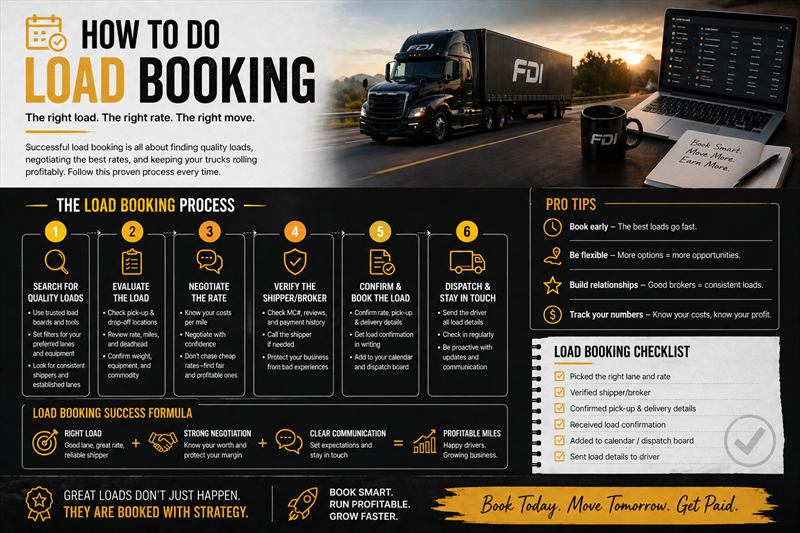
Once you have shortlisted a load, follow the full process in how load booking works and use rate per mile calculations to compare options.
How to Read a Load Posting
- Age: how long ago the load was posted or updated.
- Origin and destination, with trip miles and the deadhead from your search location.
- Pickup date or window.
- Equipment and load type: full or partial, length and weight.
- Rate: sometimes shown, often left blank so the broker can negotiate.
- Company details: broker name, contact number, MC number and credit or payment indicators.
- Comments: requirements such as tracking, team drivers, tarps, temperature settings or appointment details.
Red Flags: Spotting Risky or Fake Postings
Protect your carrier
- A rate far above the market for no clear reason.
- Contact details that do not match the broker's official records, or emails from free email services.
- A very new broker authority combined with pressure to book immediately.
- Requests to change the payment recipient or send payment details to a different company.
- Instructions to pick up or deliver somewhere other than what the rate confirmation shows.
- A "broker" who asks the carrier to pay fees upfront.
Before booking, look up the broker's authority in FMCSA's public records and call the phone number listed there to confirm the load is genuine.
Who Pays for the Load Board?
Load board subscriptions are usually paid for by the carrier, and the account is registered to the carrier's company. Independent dispatchers commonly work from the carrier's account with the carrier's permission, or hold their own subscription where the provider's terms allow it. Read each provider's user and account-sharing terms, because many plans are licensed per user.
Get hands-on with DAT and TruckstopOur Practical Training plan includes DAT and Truckstop training and live load booking demonstrations.
See Plans & PricingFrequently Asked Questions
Which load board is best for new dispatchers?
Both DAT and Truckstop are widely used and worth learning. The best choice depends on which board shows more loads for your carrier's equipment and regions. Learning both makes you more valuable to carriers.
Are there free load boards?
Some platforms offer limited free access or trials, but serious dispatching usually requires a paid plan for full load visibility, rate data and broker credit information.
Do all loads have a posted rate?
No. Many brokers leave the rate blank and expect you to call. Even when a rate is shown, it is often negotiable.
Can brokers see my truck on the load board?
Yes, if you post the truck's availability. Posting trucks is a good way to receive calls from brokers who need capacity in your area.